


Fast, Same Day Response


Fast, Same Day Response



What is smart lighting really about: convenience, ambience, security, or all three?
Here’s a bit of a spoiler for you: Smart systems give you access to customised scenes, automated schedules, and remote access that reshapes how your home operates after dark.
Still, not every upgrade is plug-and-play. Certain lighting installation tasks involve fixed wiring.
So let’s map out the smart lighting options and clarify when expert installation is the right move!
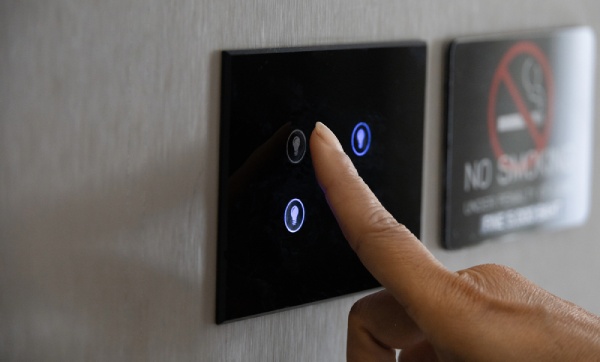
Smart lighting refers to lighting systems connected to advanced technologies such as sensors, wireless communication, and automation.
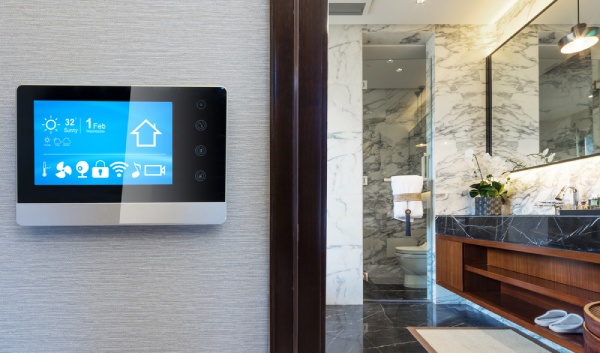
These systems link LED bulbs or fixtures to apps, tablets, or voice assistants, giving homeowners access to remote adjustments without touching a wall switch.
Through this setup, brightness levels, colour temperatures, and lighting schedules can be adjusted through a smartphone or voice command.
Motion sensors can activate pathways at night, timed schedules can illuminate living areas before anyone walks through the door, and energy usage can be monitored through a central app.
Different types of lights work within smart systems, including:
Those options can be integrated into a broader network, creating coordinated scenes that align with daily routines, security preferences, and interior design goals.
So how does everything connect behind the scenes?
A smart lighting system runs through several interconnected components inside each fixture and across your home network. Instead of operating as a simple on–off circuit, every device communicates through embedded electronics and wireless protocols.
Inside each smart lighting device, you’ll typically find:
Different wireless technologies also power the connection in distinct ways:
| Technology | How It Works | Key Characteristics |
| Zigbee | Uses a dedicated wireless protocol designed for smart devices | Low power usage, secure network structure, functions even during Wi-Fi outages |
| Wi-Fi | Connects lights directly to your home router | No additional hub required, integrates with existing internet setup |
| Bluetooth | Uses short-range radio frequency transmission | Simple setup, no hub required |
While your smart lights handle automation and colour changes, the electrical backbone still matters.
For outdoor or high-wattage LEDs, a safety switch (RCD) ensures everything stays safe. Occasional trips usually point to moisture, faulty fixtures, or minor leakage currents.
Smart lighting can change how you experience your home, so let’s see the top options.
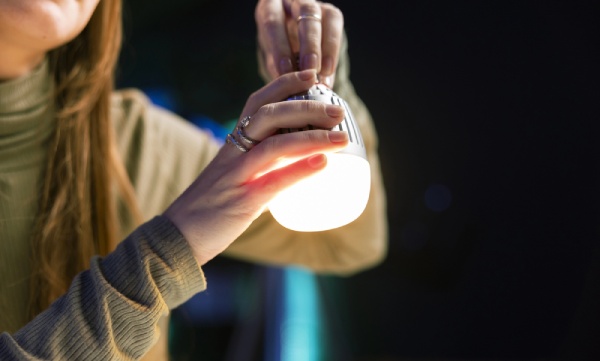
Smart bulbs are the simplest way to dip your toes into smart lighting. They can be swapped into existing fixtures and connected to a smartphone app, tablet, or voice assistant.
Moreover, many come with dimming capabilities, tunable white light, or colour-changing options. With these features, you can set the mood from warm and cozy to bright and energizing.
These bulbs can often work independently, or in groups, syncing with music or movies for immersive experiences.
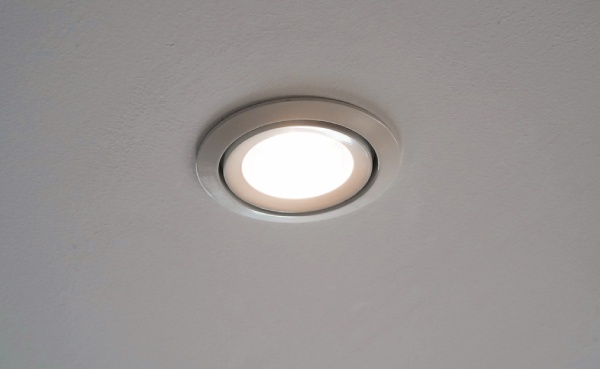
Smart downlights are recessed into the ceiling, giving a modern, unobtrusive look.
Once installed, they connect to your smart home app, tablet, or speaker, letting you adjust brightness, colour temperature, or schedules from anywhere.
Downlights also have a consistent lighting coverage while maintaining a clean ceiling aesthetic. So, they’re ideal for larger spaces or layered lighting setups.
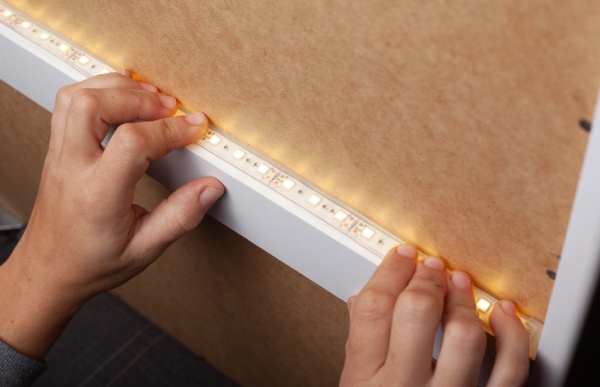
LED strips bring colour and style to areas that standard lights can’t highlight. They stick to surfaces like cabinets, shelves, or entertainment units, and can be cut to size.
This option is flexible, both in placement and colour options, giving rooms a modern, dynamic look that enhances décor and atmosphere.
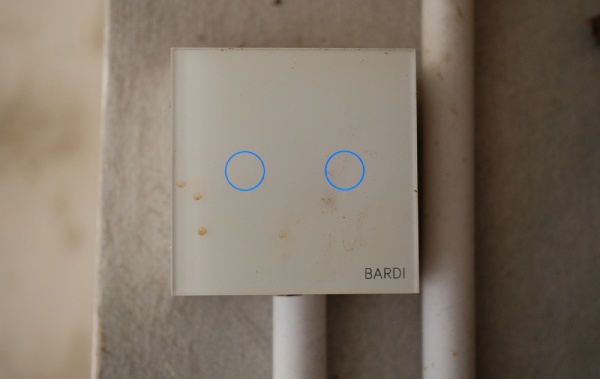
Smart switches control your main light fixtures, even if the bulbs themselves aren’t smart. They replace standard wall switches and connect to your app or smart assistant, giving you remote access, schedules, and automation options.
Some switches support touch control just like regular switches, ensuring a seamless transition while adding smart functionality.
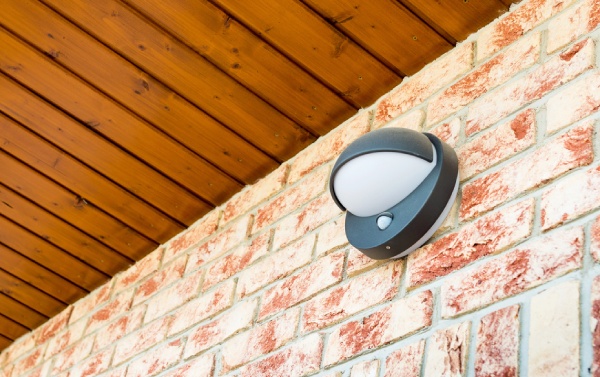
For outdoor areas, smart PIR security lights combine motion sensors, cameras, and app control.
When movement is detected, lights turn on and cameras can record or alert you. These systems connect to smartphones or smart speakers, providing both convenience and peace of mind.
Here are some key advantages of smart lighting you can enjoy:
With these benefits in mind, choosing a setup that fits your lifestyle can make daily life more seamless and enjoyable.
Even the smartest systems can hit a few bumps. Understanding the potential issues before they pop up helps you enjoy your setup without frustration.
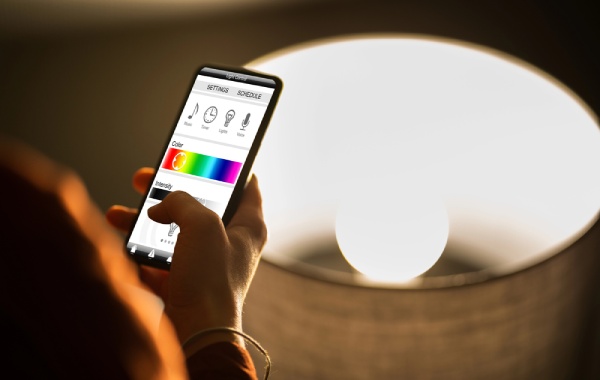
Sometimes a smart bulb stops responding or refuses to connect. This usually happens when its firmware is out of date or a reset is needed.
Most devices come with manufacturer-specific instructions for updating or reinstalling firmware. Therefore, keep your apps and devices updated to make sure the lights respond exactly as you expect.

Smart lighting excels at following schedules, but mismatched rules or inaccurate time settings can cause lights to behave unexpectedly.
Regularly reviewing automation settings can prevent overlapping commands and make your routines reliable.
If your system uses AI or predictive scheduling, updating preferences helps it learn your habits accurately.
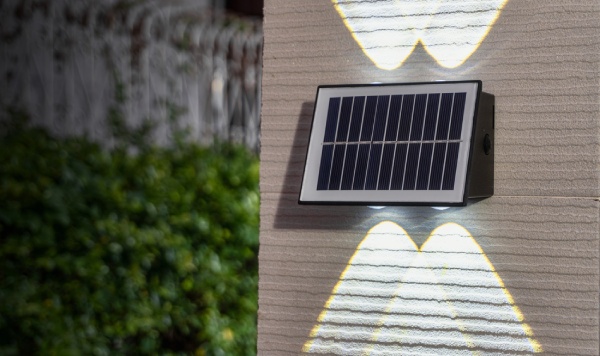
Smart devices rely on sensors for motion detection, daylight adjustments, or other automated features.
A misaligned or dirty sensor can reduce performance, causing delays or missed triggers. Routine checks and calibration will help you maintain precise functionality across your lighting system.

A dropped connection can make a whole smart lighting setup feel unresponsive. Devices might disconnect or fail to sync across the network, particularly in larger homes.
Optimizing your Wi-Fi, adding range extenders, or using a mesh network will ensure consistent communication between all your devices.
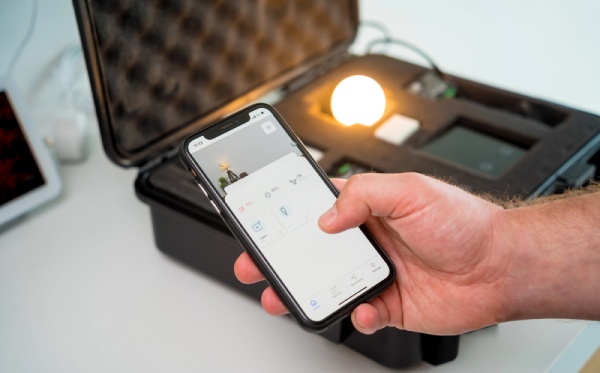
Some smart lighting upgrades are simple enough to handle without professional help. Swapping a standard bulb for a smart bulb or plugging in a smart LED strip can usually be done in minutes with no wiring involved.
However, any work that involves electrical wiring, such as installing smart switches, hardwired downlights, or new circuits, must be handled by a licensed electrician in NSW.
Incorrect installation can create safety hazards, cause RCD trips, or void compliance with Australian standards. Using high-quality fixtures is important, but proper connection and insulation are critical for long-term performance.
For a safe and reliable setup, contact our licensed electricians. We can handle everything from LED downlights to sensor lighting and decorative fixtures, ensuring your smart system works seamlessly while meeting all safety requirements!
Here are answers to the most common questions about smart lighting:
Most smart lights rely on Wi-Fi for full functionality, including remote control, automation, and voice commands.
That said, some bulbs use Bluetooth, Zigbee, or Z-Wave, letting you control them directly from a phone app within the room, even without Wi-Fi.
Smart lights are LED bulbs with built-in connectivity. You can adjust brightness, color, or schedules through an app or voice assistant.
Meanwhile, normal lights simply turn on or off via a wall switch, with no remote control or automation.
During a power outage, smart lights switch off and lose connection to apps or smart assistants.
When power returns, most bulbs turn on at full brightness by default. Some models also let you configure them to return to the last setting or stay off entirely.
Yes, you can use a couple of simple methods. Smart switch converters can be installed behind your existing switches, transforming them into smart controls.
In addition, smart bulb adapters fit between a standard bulb and its socket, giving Wi-Fi or Bluetooth connectivity without replacing the fixture.
Hardwired smart switches involve mains wiring, 240V circuits, and compliance with AS/NZS 3000:2018 rules, which makes a licensed electrician essential.
They ensure connections are safe and correctly wired, including adherence to Australian electrical wire colours, preventing hazards and protecting your insurance coverage.
Knowing what smart lighting is shows how much a little tech can transform daily life. You can adjust brightness, colors, and schedules with ease, creating the perfect vibe for any moment.
So, take the next step with Sydney Expert Electrician. Let’s plan your smart lighting setup and get your home shining exactly how you want!
What our customers in Sydney say about us
Marcie McConville

David and Luca started working as soon as they checked what work needed to be done. They were hard working, very professional and delightful young men. I am very happy with the work that was done and highly recommend them.
David Coorey
Best electricians i have ever dealt with, well presented, knowledgeable found and fix our fault in a timely manner and at an extremely reasonable price.
Zaryab khan
With more than ten years of expertise, dependable and effective. Consumers value their competitive pricing and timely, amiable service.